
Email protection with proof, clicks, and mailbox action.
Connect a Gmail or IMAP mailbox in minutes, scan new mail as it arrives, and backfill older messages to catch phishing and business email compromise you missed. Every verdict shows the signals behind it, rewrites risky links, attributes safe-link clicks, and exports as evidence for the ticket.
Email security
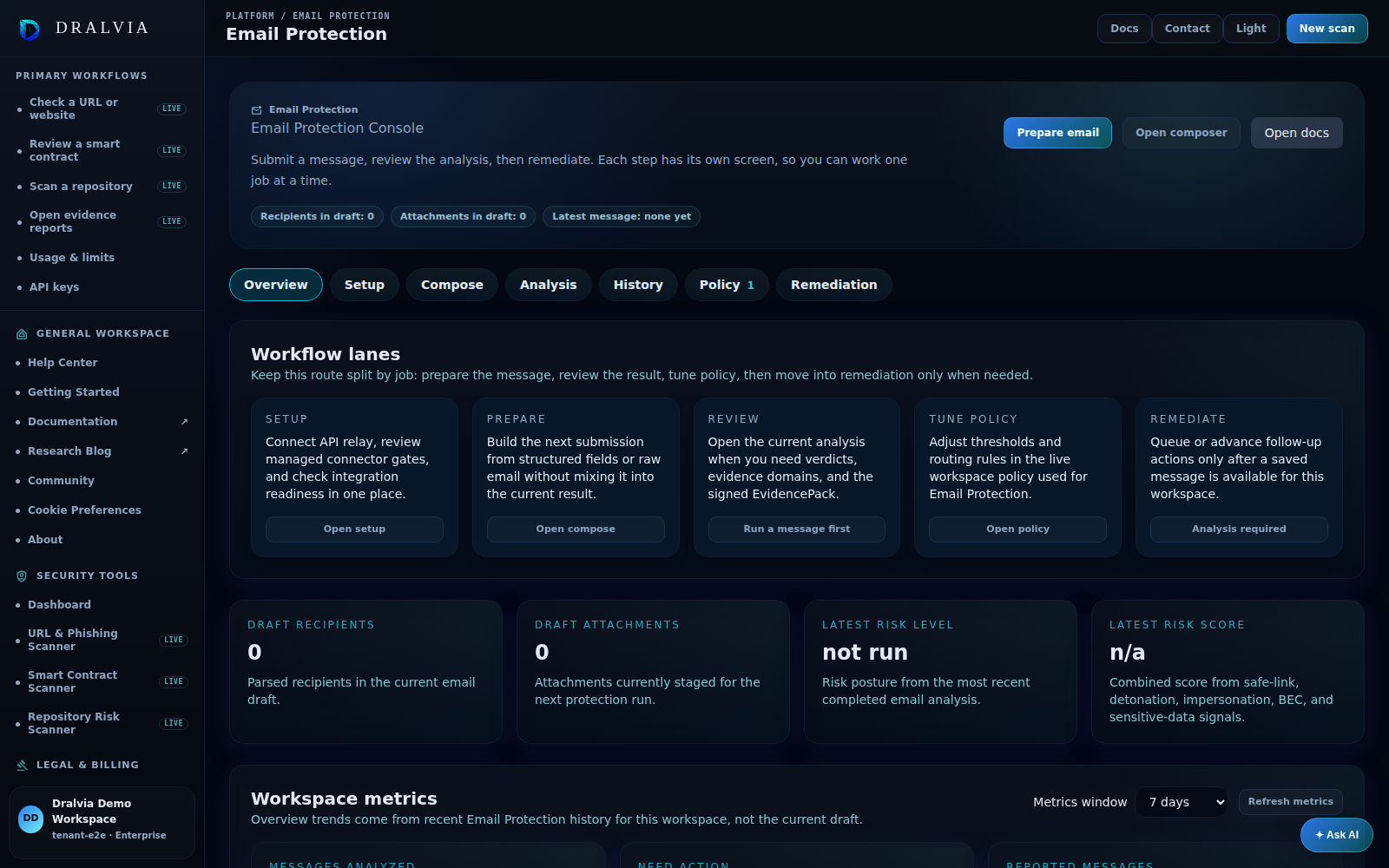
See Dralvia in action.
Connect or submit a message, inspect sender, link, and attachment evidence, and move into remediation when needed.
- Connect or submit a message
- Review sender, link, and attachment evidence
- Move into remediation when evidence supports it
This preview shows the Dralvia workspace. Sign in to see your own scans, alerts, and activity.
A practical email-security workflow, not just another score.
Connect a mailbox
Connect Gmail with one-click sign-in, or any IMAP mailbox including Microsoft 365. Setup is self-service from the product UI, no gateway change required.
Scan historical mail
Backfill recent inbox history and re-check older messages for phishing and impersonation that slipped through before you connected.
Catch BEC and impersonation
Surface business email compromise, VIP and vendor impersonation, and sender-authentication gaps, not just bad links.
Analyze any message
Submit structured email, raw RFC822 text, or one .eml file from the product UI or API for an on-demand verdict.
Rewrite and track links
Safe links capture clicks, run click-time analysis, and can attribute clicks to recipients when scoped links are used.
Inspect attachments
Bounded attachment analysis flags risky PDFs, archives, scripts, executables, and sensitive-data exposure.
Retract or quarantine
Microsoft 365 mailbox actions can move mapped messages to Junk Email, Deleted Items, or a configured folder after support enablement and approval.
Honest answers.
Gmail connects with one-click sign-in. Any IMAP mailbox, including Microsoft 365, connects with standard mailbox credentials from the product UI. Microsoft 365 retract and quarantine actions are enabled with Dralvia support.
Bring email evidence into the same security workspace.
Start with UI submission, API relay, or connect a mailbox yourself with an app password. Microsoft 365 and Google Workspace direct collection and automated remediation are rolling out.
The same engines protect URLs, browsers, and evidence workflows.
Scan links from any email
100+ signals and full redirect capture per URL.
Protect the click path
Bring verdicts to users where they browse.
Keep the incident record
Export signed evidence for tickets, audit, and review.
A Proofpoint alternative
Evidence-first email defense you connect in minutes.
An Abnormal Security alternative
BEC and impersonation detection with exportable proof.