
A second opinion on every approval.
Before you click "Approve," Dralvia inspects the contract you are signing into, the approval being granted, the owner privileges, and the deployer's history. The contract scanner powering it is live today; full pre-sign wallet protection is rolling out with design partners.
Wallet safety
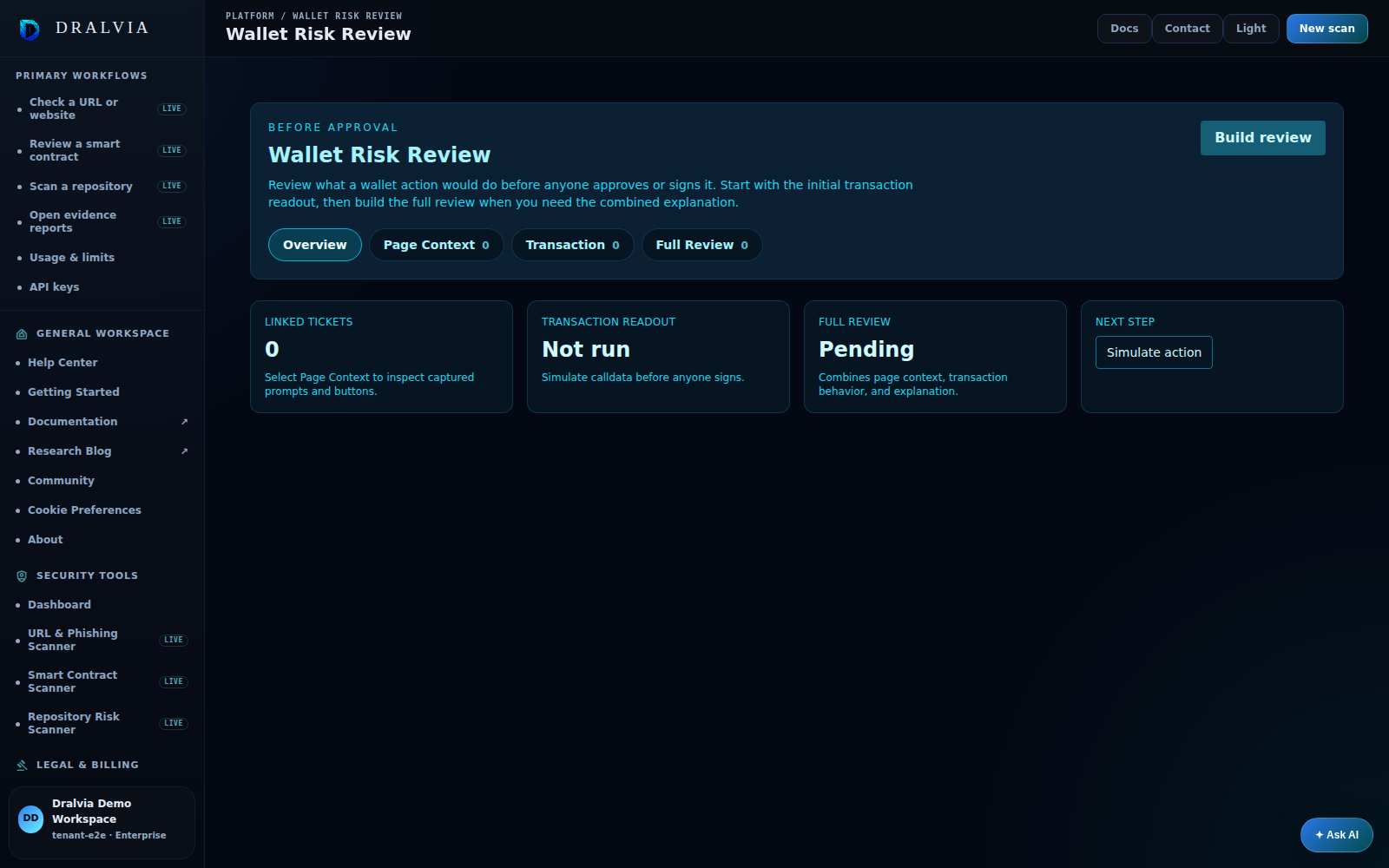
See Dralvia in action.
Understand approvals, wallet-drain behavior, simulation evidence, and decision context before signing.
- Review the intended wallet action
- Inspect approval and simulation impact
- Keep the evidence with the decision
This preview shows the Dralvia workspace. Sign in to see your own scans, alerts, and activity.
What you are actually signing.
A wallet prompt rarely tells you what a contract can do once you approve. Dralvia surfaces the privileges and patterns behind the signature.
Unlimited approval detection
Infinite or oversized allowances, ERC-20 Permit grants, and approvals to addresses with no audit footprint.
Owner-privilege graph
Which functions the owner can call on the contract you are approving, mint, pause, blacklist, upgrade, fee changes.
Deployer history
Other contracts the deployer has shipped, prior incidents, and clustering with addresses flagged in earlier rugs.
Bytecode-diff clustering
Whether the contract's bytecode matches known drainer or scam templates seen on other addresses.
Domain-of-origin check
The site requesting the signature is scanned too, a clean contract reached through a lookalike URL is still a risk.
Source verification
Verified source on the explorer, and whether the verified source actually matches the deployed bytecode.
Honest answers.
Today Dralvia gives you the verdict and evidence to decide. Inline pre-sign blocking inside the wallet flow is rolling out with design partners, talk to us if you want to embed it.
Know what you are signing.
Scan the contract behind the prompt, read the privilege map, and decide before you approve.
The full Web3 trust picture.
Full contract scanner
Owner privilege, hidden mint, and approval-drain vectors with line-level evidence.
Scan the dApp link
Most drains start with a lookalike site. Check the URL before you connect.
Vet the project domain
Registrar history, DNS posture, and sibling lookalikes for the project's site.