
Secure employee AI usage before sensitive data leaves the browser.
Dralvia helps teams control copy and paste, file uploads, source-code sharing, and sensitive submissions into AI tools like ChatGPT, Claude, Gemini, Copilot, and other approved or unapproved AI destinations.
AI usage policy
See Dralvia in action.
Discover browser-side AI use, review destination and account posture, and apply workspace policy with evidence.
- Discover browser-side AI use
- Review destination and account posture
- Apply workspace policy with evidence
This preview shows the Dralvia workspace. Sign in to see your own scans, alerts, and activity.
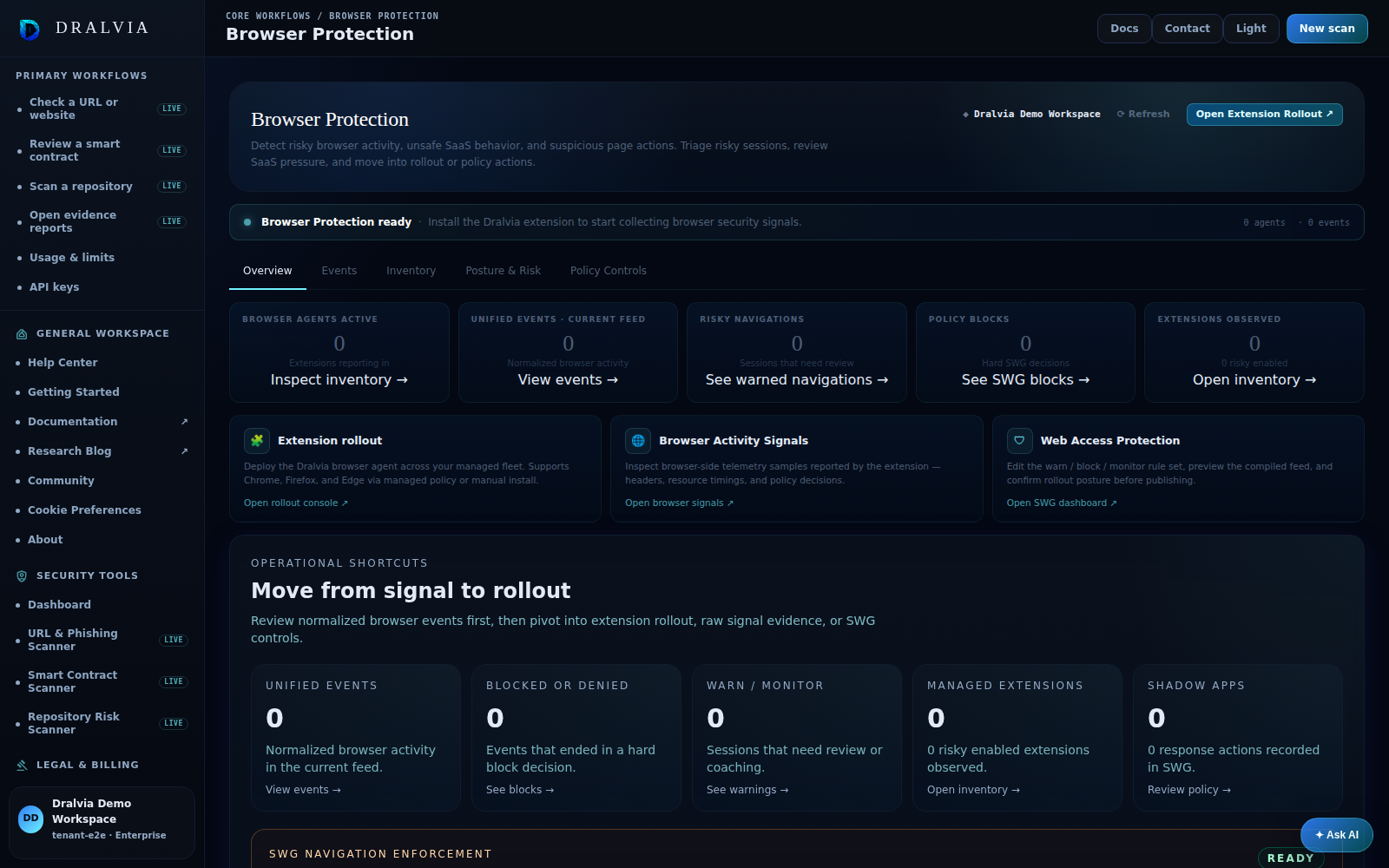
See AI usage, then govern it.
Discover the AI tools your team uses, separate approved workspaces from personal accounts, and warn or block risky data movement, all in the browser.
Stop sensitive copy and paste
Detect secrets, credentials, source code, and regulated data in paste and submission, and warn or block based on policy.
Block risky file and code uploads
Classify uploads to unapproved AI tools and hold back proprietary source code or sensitive files.
Approved vs personal AI
Allow an approved company AI workspace while warning or blocking the same tool on a personal account, where configured.
Coach users
Warn mode points people to a sanctioned path instead of failing silently, with a recorded acknowledgement.
Redacted evidence
Every decision keeps a redacted record. Reviewers see the data class and a short sample, never the raw secret.
Browser-native, no swap
Enforcement runs through the Dralvia browser extension. No browser replacement and no proxy deployment.
Observe, then warn, then block.
Discover
Turn on observe mode and see which AI tools your team uses, including shadow AI.
Classify
Mark each AI app as approved or not, and let Dralvia detect secrets, code, and regulated data.
Enforce
Move from observe to warn to block as you gain confidence. Revert any app at any time.
Browser-native AI usage control
Secure how your team uses AI: control data movement, detect sensitive content, and keep a human in the loop, with evidence on every decision.
 ChatGPT
Browser-native across every major browser
Dralvia runs as a lightweight extension. No browser swap, no proxy. Install it where your team already works.
 Edge
EdgeHonest answers.
Dralvia can detect sensitive classes such as secrets and credentials in browser actions and warn or block based on your policy.
Control AI usage without slowing your team down.
Start in observe mode, learn your baseline, then move to warn or block when you are ready.
The rest of the AI security story.
Detect secrets and source code
Classify sensitive data before it leaks into unapproved AI apps.
Humans approve AI actions
Prompt-injection review, connector governance, and approval gates.
Govern AI connectors
Decide which connectors and MCP servers are allowed, monitored, or blocked.