
Not every connector should be trusted by default.
MCP Security helps you decide which AI connectors and MCP servers are allowed, monitored, or blocked, so automation only reaches the integrations you trust.
Connector governance
See Dralvia in action.
Inventory agent connectors, review requested access, and apply workspace controls.
- Inventory agent connectors
- Review requested access
- Apply workspace governance
This preview shows the Dralvia workspace. Sign in to see your own scans, alerts, and activity.
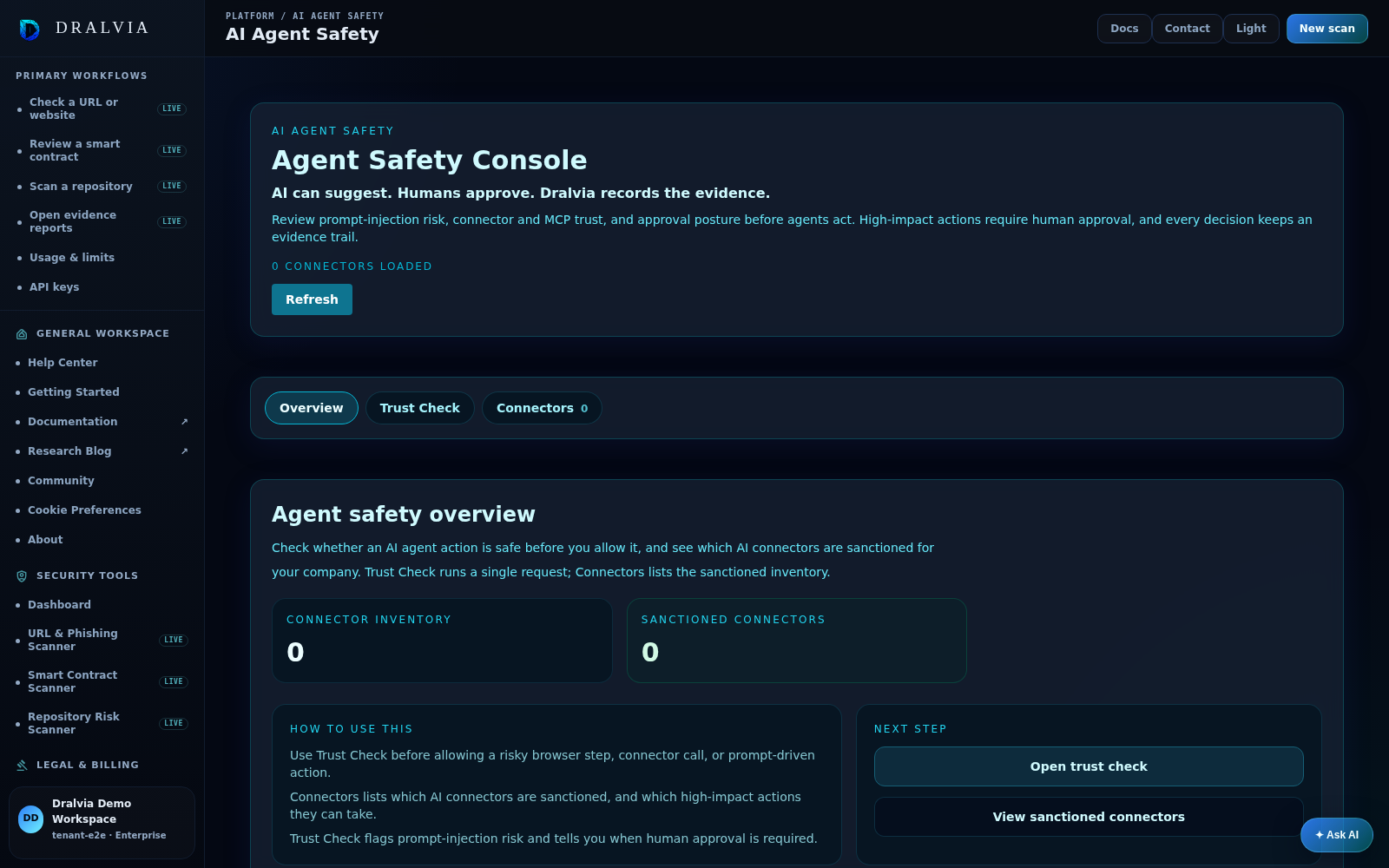
Govern connectors deliberately.
Connector inventory
Keep an inventory of the AI connectors and MCP servers in use.
Sanctioned status
Mark connectors as sanctioned or unsanctioned for your company.
Hold back the unknown
Surface unapproved connectors and MCP servers for review before they are used.
Approval gates
Require human approval before high-impact connector actions run.
Evidence
Decisions are recorded so they can be reviewed later.
Scoped to your workspace
Connector policy is scoped to your company workspace.
Browser-native AI usage control
Secure how your team uses AI: control data movement, detect sensitive content, and keep a human in the loop, with evidence on every decision.
 ChatGPT
Honest answers.
It is connector governance for AI agents. You decide which connectors and MCP servers are allowed, monitored, or blocked, with approval gates and evidence.
Trust connectors on purpose, not by default.
Inventory your AI connectors, set sanctioned policy, and gate the high-impact actions.