
Verdicts inline, where users click.
Protect users from risky URLs, suspicious downloads, Web3 threats, and browser-based data exposure, directly inside Chrome. The extension surfaces Dralvia verdicts as people navigate, without becoming a man-in-the-middle. Deploy in minutes for a small team, or roll out organisation-wide through managed policy.
Browser rollout
See Dralvia in action.
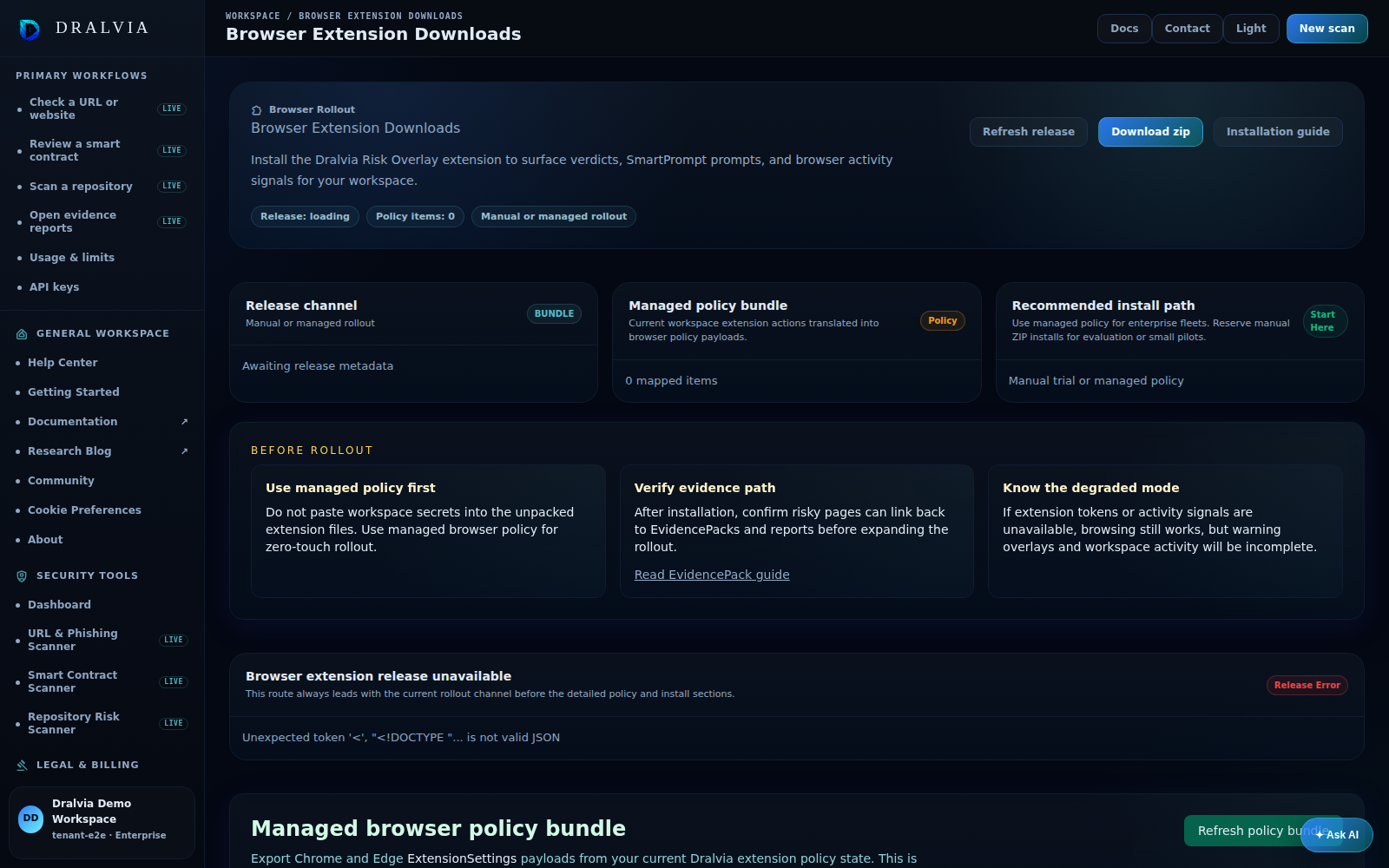
Download signed browser releases, follow deployment guidance, and check reporting status.
- Choose a signed release
- Deploy manually or by managed policy
- Verify reporting in Browser Protection
This preview shows the Dralvia workspace. Sign in to see your own scans, alerts, and activity.
Coverage where the user actually is.
The extension brings the same engines that power the scanners to the moment of the click.
Risky URL warnings
Lookalike domains, known phishing pages, and freshly registered infrastructure are flagged before the user enters credentials.
Suspicious download checks
Downloads from risky origins are surfaced with a verdict so a user does not run something they should not.
Web3 threat prompts
Wallet-drain sites and malicious signing prompts are flagged inline, with a decision-guidance panel before the user retries.
Browser data-exposure coaching
Pasting or uploading sensitive data to unsanctioned destinations triggers a warn/block prompt with the safer path.
Explicit workspace binding
Users always see which workspace they are enrolled into, no "is this thing doing anything" doubt during a pilot.
Evidence on every decision
Each warn or block produces the same EvidencePack as a manual scan, visible to administrators in the console.
Minutes for a team, policy for an org.
Add the extension
Install from the browser, sign in, and paste your enrollment token, the popup confirms the connected workspace.
Or push managed policy
For larger fleets, push the Dralvia managed policy with your enrollment profile so devices arrive pre-configured.
Warn or block, your call
Set policy by risk level. Warn mode coaches and records; block mode stops the action. Every decision is auditable.
Browser-native AI usage control
Secure how your team uses AI: control data movement, detect sensitive content, and keep a human in the loop, with evidence on every decision.
 ChatGPT
Browser-native across every major browser
Dralvia runs as a lightweight extension. No browser swap, no proxy. Install it where your team already works.
 Edge
EdgeHonest answers.
Chromium-based browsers (Chrome and compatible) are live today. The extension surfaces verdicts inline and does not intercept or decrypt traffic.
Put a verdict between the user and the click.
Create a free account, enroll the extension, and start in warn mode before you move categories to block.